
How to Choose Software for Prescription Delivery Routes

Prescription delivery routes involve more than just addresses. Pharmacy staff must manage order transfers, package preparation, sorting, courier assignments, instruction distribution, patient notifications, and proper documentation for successful prescription delivery. While the route may look efficient on a map, unsuitable prescription delivery software can create extra work for pharmacy staff.
Therefore, one should evaluate potential software solutions based on the characteristics of a pharmacy's operation rather than on demonstrations of capability. In this case, an independent community pharmacy, a pharmacy chain, and a medical courier serving multiple pharmacies will likely require a route optimization solution. However, they will have various requirements regarding integration, dispatching, documentation, and reporting.
The following article presents a methodology for determining requirements, comparing routing applications with other pharmacy software solutions, testing critical functionalities, evaluating privacy and implementation options, and making a justified purchasing decision. The article gives numerous examples with Rx4Route's medication delivery management application.
Quick Answer: To determine which route planning software to use for prescription distribution, map the order-to-delivery process and define the issues that need to be addressed. Compatibility with the pharmacy management software (PMS), route planning with constraints, a user-friendly application for drivers, delivery tracking, and proper proof of delivery must be considered first.
TL;DR
- Before the software evaluation, understand delivery volume, driver capacity, delivery areas, delivery windows, and recurring orders.
- If your pharmacy relies on automated processes, consider PMS integration and order synchronization as must-have features.
- Don’t focus only on the suggested delivery route, but also test route optimization and driver experience, tracking, and how failed deliveries are managed.
- Be sure about the data that the system will really keep (signatures, photos, timestamps, etc.) and is capable of exporting.
- Evaluate patient data security, vendor obligations, implementation process, and total cost of ownership.
- Opt for pharmacy-specific delivery management software to get order management, dispatch, tracking, and documentation.
Introduction
To begin the comparison, follow an example prescription delivery order from its entry into the pharmacy's order-delivery process to staff confirming receipt at the destination. Pay attention to people who should deal with all processes, places where information should be re-inputted, and moments when drivers or delivery tracking should be contacted. It will make the list of features of the system much shorter, as it will be focused on problems to be solved only.
Then formulate criteria for a good product based on your needs. In case the pharmacy needs data from a PMS, check how well address changes or order cancellations are processed. If drivers deliver orders to many stops per day, check out how delivery time periods, route changes, and non-deliveries are processed. If documentation is a crucial thing for your business, see what information the platform keeps and exports. With this information, you will be able to compare systems.
Define Your Pharmacy Delivery Requirements
Quick Answer: Prior to evaluating the vendors, list the number of orders, stops, locations, and drivers that you are handling, the kind of deliveries that you do, and what systems have your orders on file. This will tell you whether you require a basic route planner or a full pharmacy delivery management system.
A good requirements specification identifies the necessary processes that occur on a typical delivery day and how those processes will change on a bad delivery day. The first question most pharmacy managers ask is whether the software is able to create a proper routing process. However, a better question is whether the software can cover the whole process without adding more handoffs between the PMS, dispatch, and the drivers.
Describe the current process with the people who implement the process. In this case, it includes the pharmacist or tech who prepares the order, the person who dispatches it, the driver, and the employee who bills or handles non-delivered orders. Identify necessities from luxuries. A function is necessary if the pharmacy cannot reliably do its job without it.
Assess Delivery Volume, Stops, and Route Constraints
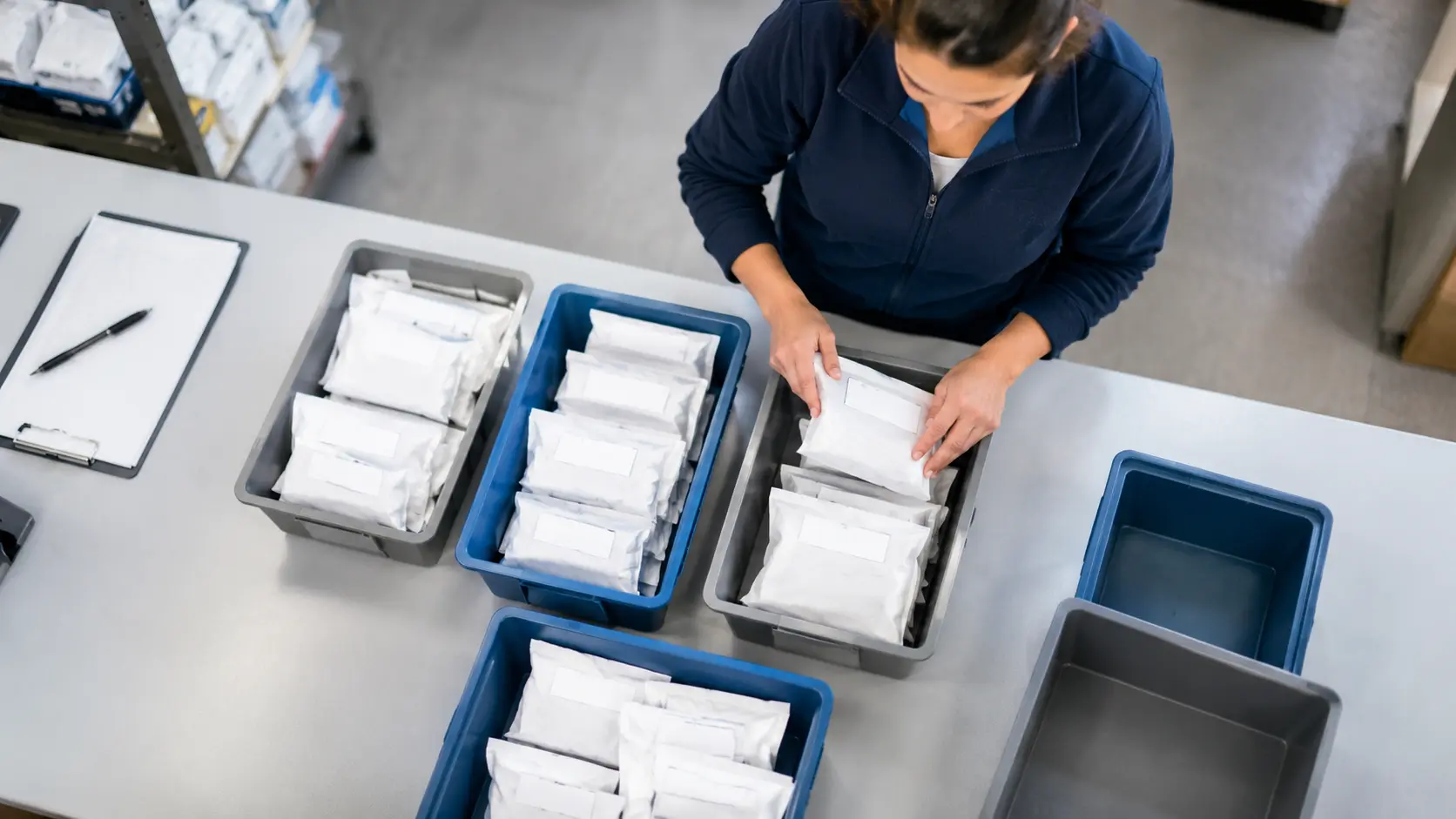
In advance of selecting routing software, consider the way in which the deliveries are made at your pharmacy on a regular basis and during peak times. How many orders does your pharmacy receive? How many different addresses must your drivers deliver to? Remember that more than one prescription order may be delivered to the same address, and the number of orders and the number of deliveries do not always correspond.
Consider the following information:
- Delivery volume: Normal daily deliveries, peak periods, and recurring deliveries.
- Service area: Nearby deliveries, farther deliveries, and long-distance deliveries.
- Driver capacity: Available drivers, available vehicles, schedule, and routing.
- Delivery schedules: Same-day deliveries, pre-arranged deliveries, available patients, and delivery windows.
- Unplanned events: Invalid delivery addresses, canceled deliveries, missed deliveries, and emergency deliveries.
- Types of deliveries: Prescriptions, long-term care (LTC) medications, and durable medical equipment (DME), if applicable.
This information will assist in determining what features your pharmacy requires in your routing software. If your delivery schedules vary widely throughout the day, it's best to invest in software that lets your team adjust and track the process as it evolves.
Map Your Workflow From PMS to Delivery Completion
A typical process entails:
- A prescription or delivery order enters the pharmacy management system.
- Delivery information enters the dispatch process.
- Package preparation, routing, and correct labeling take place.
- Driver receives the routing and any authorized delivery instructions.
- The pharmacy tracks the process and makes necessary adjustments if deliveries are unsuccessful.
According to Rx4Route, there are five stages that involve order preparation and labeling, route optimization, package sorting, route management, and delivery completion. The goal of this company’s pharmacy delivery solution is to integrate all operational processes into a cohesive chain. The valuable takeaway is to check all handoffs, not only the route itself.
Separate Essential Features From Optional Tools
Classify each requirement as must-have, important, or optional. A must-have is any requirement necessary to protect records, ensure the order is correct, or fulfill the current delivery commitment. An important requirement is something that improves the process, but there is an acceptable substitute available.
| Pharmacy operation | Main delivery challenge | Must-have capabilities | Secondary capabilities | What to confirm |
|---|---|---|---|---|
| Independent pharmacy | Coordinating orders and a small driver team | Order accuracy, usable routing, delivery confirmation | Advanced reporting, configurable automation | PMS compatibility and ease of daily use |
| Multi-location pharmacy network | Maintaining consistency across branches | Location-level controls, centralized visibility, reliable order sync | Consolidated analytics and customizable reports | Permissions, reporting scope, and expansion process |
| Long-term care delivery operation | Managing recurring and grouped deliveries | Batch organization, delivery instructions, documentation | Specialized recurring-route templates | Handling of LTC workflows and exceptions |
| DME delivery operation | Connecting dispatch and documented delivery to billing | Order visibility, proof of delivery, exportable records | Automated invoicing | Applicable payer documentation requirements |
| Medical courier business | Serving multiple pharmacy clients | Dispatch, driver management, client-specific records | Billing and payroll automation | Separation of client data and invoicing workflow |
Prioritize Features Beyond Route Optimization
Quick Answer: Answer in Brief: The pharmacy’s route planning solution needs to address activities pre-, during, and post-route. Consider integrating with the PMS, using constraint-based optimization, supporting the driver application, enabling real-time delivery tracking, and handling patient communications and proof of delivery in aggregate. A good routing algorithm cannot make up for missing orders or poor driver directions/documentation.
Feature sheets help to compile a shortlist, but do not guarantee that the platform will work in your context. Ask the vendor to show what precisely the particular feature does. For instance, “real-time tracking” can mean tracking vehicle position, delivery status updates, or tracking URL provided to the patient.
The following table links critical requirements to testing methods. Use it when asking for a demo to ensure that all vendors are judged by the same standards.
| Software feature | What it should accomplish | Priority when... | What to test |
|---|---|---|---|
| PMS integration | Reduce re-entry and synchronize delivery information | Orders originate in a PMS | Create, change, and complete a test order |
| Route optimization | Arrange stops around real operational constraints | Drivers have multiple stops or time limits | Generate and modify a representative route |
| Driver app | Present assignments and collect delivery outcomes | Drivers work away from the pharmacy | Complete a stop on a real device |
| Tracking and dispatch | Make progress and exceptions visible | Staff manage several active routes | Locate a delayed stop and change assignment |
| Patient notifications | Communicate relevant delivery updates | Patients frequently ask for status | Check message triggers, accuracy, and content |
| Proof of delivery | Capture records appropriate to each delivery type | The pharmacy must document completion | Collect and export a complete delivery record |
Check PMS Integration and Automatic Order Sync
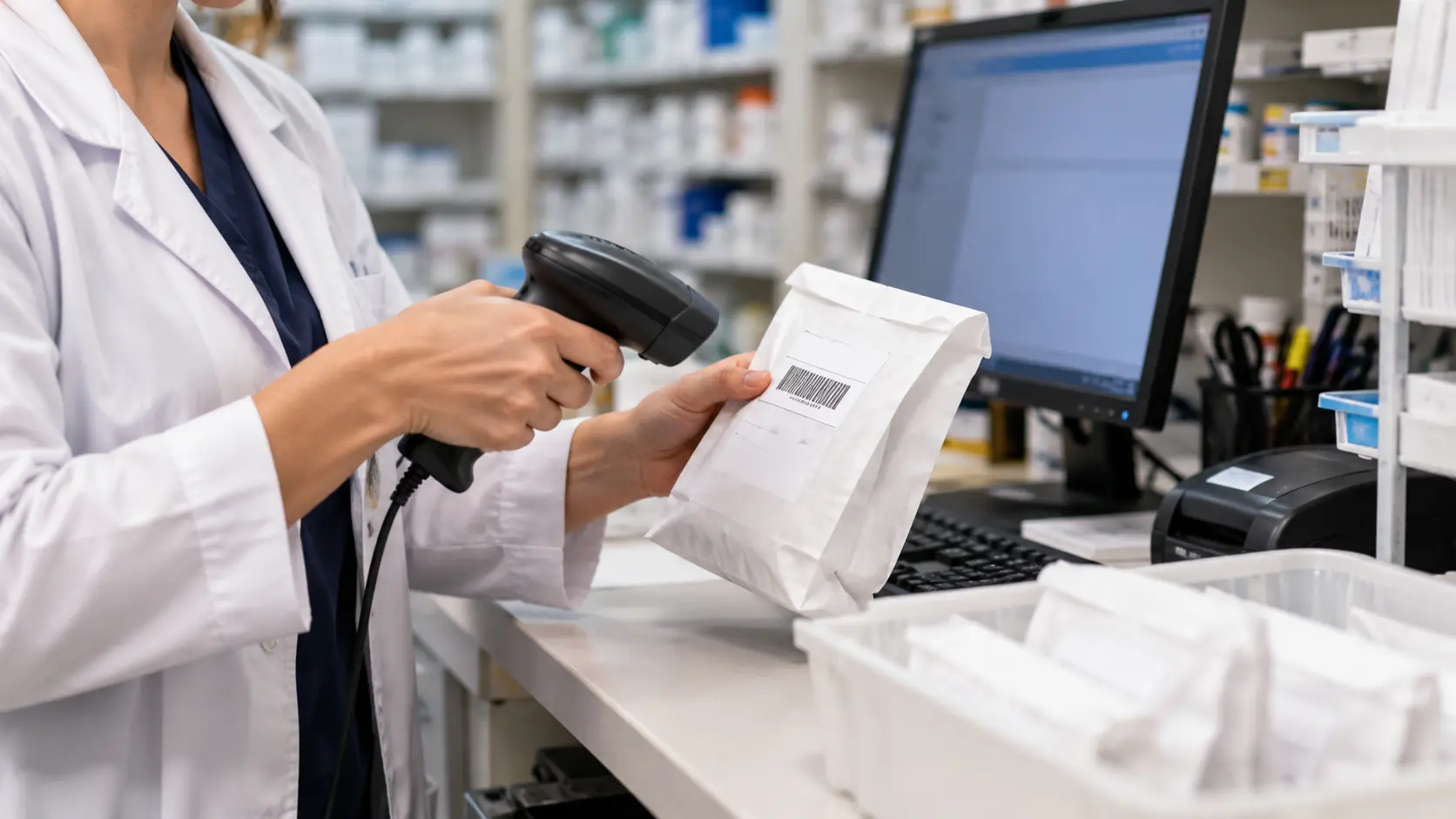
Ask the following during evaluation:
- Is the order imported automatically, in batches, or manually only?
- Is the flow of information bidirectional, from the PMS to the delivery management software and vice versa?
- Which fields synchronize (address, contact data, instructions, status, etc.)?
- What will happen in case the order is changed, canceled, or put on hold?
- How are failed imports identified, repeated, and analyzed?
- How can users determine which is the correct source system in case of conflicting data?
One good test starts from an order in the PMS system, modifies an approved delivery instruction, and ensures that information for the driver has been updated correctly. Run the same test for cancellation and completed stop.
Rx4Route offers two-way PMS integration and automatically updates delivery information. It is a relevant feature to have, but the actual integration and behavior of synchronized fields must match the buyer's system. If synchronization is required, do not settle on a manual process as a substitute.
Test Route Optimization Under Real Constraints
The route optimization software tries to make stops efficient, but how is efficiency defined? It might not take into account time limits for deliveries. The route with fewer stops may overload one driver while the other could accept more assignments. It all depends on what you want to achieve.
Test cases should cover the following:
- Several drivers leaving from the same or different locations.
- Several orders scheduled to be delivered to the same delivery point.
- Delivery time frame and required time to perform the stops.
- Repeating stops or stop groups that have to be kept together.
- Newly added stops that come in after the departure of drivers.
- Stop or delivery cancellation and address changes while in progress.
- Uncompleted stops.
For instance, if an emergency stop occurs halfway through the day, ask the vendor to add it to an ongoing schedule and see how other stops behave and whether drivers get new instructions on time.
Select the software that works within your constraints and not only provides good-looking routes.
Assess the Pharmacy Delivery Driver App
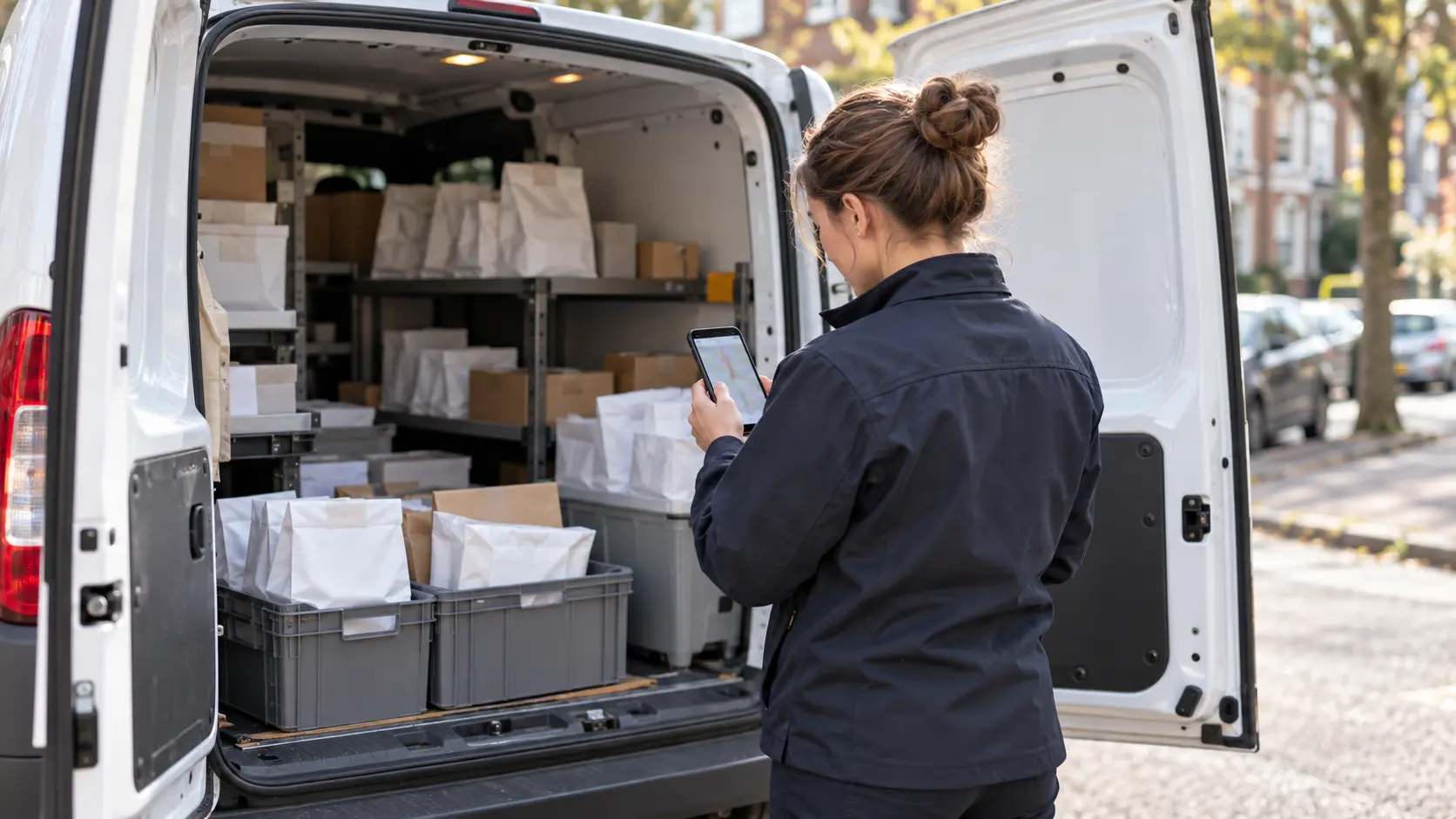
Verify how a driver:
- Opens a selected route and finds the next destination point.
- Accesses delivery notes that contain allowable patient information only.
- Starts navigation and updates delivery status.
- Verifies the right package through QR code or barcode scanning if it is enabled.
- Captures electronic signatures, pictures, or any other evidence allowed.
- Notes a failed delivery and the reason.
- Proceeds with delivery even during disconnected service, then syncs when connected.
The Rx4Route's product description outlines the use of a driver application, QR code authentication, route optimization, geofencing, and offline capability. These are specific functions that can be tested in real-world settings rather than treated as an alternative to usability testing.
Since delivery devices could involve private information, mobile security is important as well. NIST guidelines for enterprise mobile-device security provide device management and protection throughout the device's lifecycle. Check who has access controls, procedures for handling lost devices, and disabling accounts for drivers no longer working at an organization.
Verify Tracking, Notifications, and Dispatch
When looking at delivery tracking software for pharmacies, consider each feature separately:
- Visibility of driver: Can the manager find out the current route and whereabouts of an active driver?
- Status of orders: Does the pharmacy know whether deliveries have been assigned, are in progress, are finished, or have failed?
- Ability to update assignments and instructions without misunderstanding.
- Patient notifications: Which events are communicated to patients, and how are delivery windows communicated?
- Tracking history: Do all timestamps and status changes remain accessible for future reference?
- Permissions: Who gets access to location, delivery information, and patient contact info?
Think of a situation where a patient calls and asks whether their prescription is delivered now. It should be possible to check the status of delivery without having to contact the driver repeatedly. This doesn't necessarily mean all patients can see the vehicle's current location or that all messages include prescription info.
Rx4Route talks about real-time tracking and automatic notifications to patients. In the demo, confirm exactly which events the pharmacy, driver, and patient can communicate.
Require Proof of Delivery and Audit Records
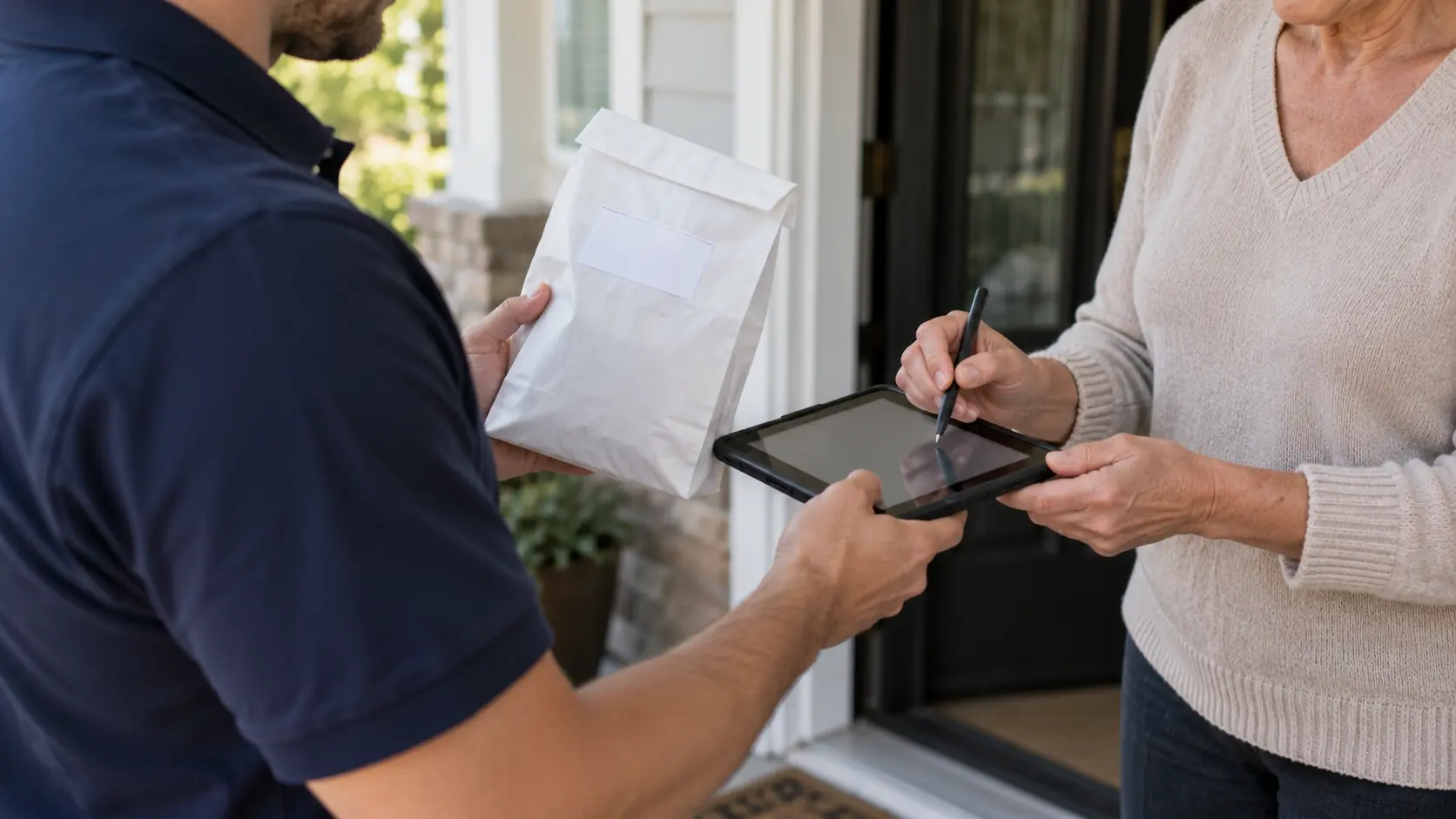
Depending on the particular process, look into:
- Support for electronic signatures and who or what the signature represents.
- Delivery photos where appropriate and allowed.
- Time and date stamping the delivery attempt and completion of delivery.
- Delivery result and reasons for any exceptions.
- Order IDs connecting the record to the correct prescription or equipment order.
- An audit trail of pertinent changes.
- Export functionality which will allow retrieval without reentering records.
Requirements depend upon the situation. For certain Medicare DMEPOS claims, for example, CMS’ general documentation requirements specify the use of proof of delivery and supporting documentation. The DMEPOS guidelines cannot be assumed to cover all prescription deliveries.
The Rx4Route documentation covers photos, electronic signatures, and deliveries. A test is simply to make a delivery stop, obtain the record via the order ID, and check that all fields you need are available.
Compare Platforms and Validate Each Vendor
Quick Answer: Evaluate the software based on the same criteria, such as the specifications, demos, and costs. Decide which best fits your needs: basic routing software or one designed specifically for pharmacies. Ensure it has proper integration and data-transfer capabilities for future upgrades or migrations.
The analysis of the software should result in a choice that will be easy to justify to the pharmacy's management team; do not turn your analysis into a series of sales pitches. Start by discarding any solution that cannot meet an absolute requirement in full, such as the need for PMS integration or access to delivery records.
An impressive list of features is not a guarantee that these features have been implemented reliably enough. An efficient solution should be able to be used by employees, drivers, and management personnel in normal and abnormal situations. The most effective way to analyze the system includes a product demonstration, questions about documentation and contracts, and an experiment using relevant data.
Compare Generic Routing and Pharmacy Platforms
Three basic types of prescription delivery routing exist. Manual solutions employ spreadsheets, maps, and employee expertise. General-use routing solutions help with stop organization and dispatching. Prescription delivery routing software integrates delivery routing with other pharmacy processes.
Which method is right for you depends on the problem to be solved:
- Employ a manual or light approach only if order quantity and operational complexity are small enough for reliable documentation to be possible.
- Choose general routing software if the task is improved stop scheduling and you have efficient procedures for orders, communication, and delivery documentation.
- Choose a pharmacy-specific solution if you need PMS integration, driver management, patient notifications, proof of delivery, and reporting.
Review Privacy, Security, and BAA Requirements
Questions to ask include the following:
- Role-based user permissions for pharmacists, couriers, and administrative personnel.
- User authentication, password recovery, and the deletion of inactive accounts in a timely manner.
- Security for data in transit, at rest, and on mobile devices.
- Audit trails, incident response policies, backup plans, and record retention policies.
- Restrictions on the amount of data viewable by couriers and in patient notifications.
- The applicability and availability of a business associate agreement (BAA).
- Terms of use for the export or retrieval of data at the end of service.
Under the HHS definition of when a software vendor qualifies as a business associate, providing software alone differs from offering a service that handles protected health information. The relationship involved depends upon what the vendor does with the information.
A starting point for regulated organizations to understand electronic PHI and assess risks is the guidance HHS provides on the HIPAA Security Rule.
Run a Representative Route-Planning Demo
Follow this workflow:
- Place orders. Begin with test records similar to those generated by your PMS, but without revealing confidential patient data.
- Define routes. Designate stops for multiple drivers while using the same restrictions as your business.
- Create a modification. Skip one stop, modify an authorized address, and make a tardy delivery.
- Utilize the driver app. Ensure that the task assignments and directions are clear.
- Finish and miss stops. Document one completed delivery and one missed delivery.
- Check communication. Review the dispatch dashboard and any patient messages.
- Get records. Retrieve the statuses and proof of deliveries that resulted from this process.
| Demo scenario | Expected behavior | Evidence to collect | Acceptance test |
|---|---|---|---|
| PMS order created | Correct delivery data becomes available | Imported fields and order ID | No critical fields missing |
| Address or instruction updated | Authorized change reaches the right workflow | Before-and-after order record | No conflicting delivery instructions |
| New stop added mid-route | Dispatcher can assess and assign the change | Updated route and driver view | Change is visible to the assigned driver |
| Driver records unsuccessful delivery | Exception is retained with a clear status | Stop history and reason | Pharmacy can find and act on the exception |
| Successful stop completed | Appropriate delivery record is available | Timestamp and permitted POD fields | Record matches the completed order |
Assess Rollout, Support, and Data Migration
Before you select a platform, learn how it will operate and what level of support your pharmacy will get. It doesn't matter how efficient the software is if the implementation and distribution of responsibilities are done inappropriately.
Find out from your supplier:
- Integration with PMS: Who will ensure compatibility and set up automatic order synchronization?
- Data migration: Will your orders or delivery records be migrated?
- Configuration: Who will configure delivery labels, driver assignments, and permissions for pharmacy employees?
- Training: Will your pharmacy employees, dispatchers, and drivers receive training?
- Customer support: Is it available within working delivery hours? How are emergencies handled?
- Flexibility: How easy will it be to scale to include additional drivers/pharmacy locations?
- Data export: Can you export your data in case you need to switch platforms in the future?
- It may make sense to start with a limited number of drivers or pharmacy locations.
The NIST guide on cybersecurity supply chain risk management may be helpful for evaluating the security responsibilities of your supplier.
Evaluate Total Cost and Make the Final Selection
Consider these categories in your analysis:
- Cost of subscriptions or licenses, including billing periods and minimums.
- Cost per driver, location, or delivery if relevant.
- Cost of integration, onboarding, training, and data migration.
- Cost of support and other fees related to reporting and communications.
- Cost of hardware and devices if necessary.
- Internal labor associated with administration, reconciliation, and manual processes.
- Cost to exit and efforts to extract your data.
A weighted scorecard would simplify your choice. A pharmacy could assign 25% weight to PMS integration and order management, 25% to routing and dispatch, 20% to driver processes and tracking, 15% to proof of delivery and security, and 15% to total cost, implementation, and support. These are examples of buyer-defined weights and not an industry-standard or Rx4Route scoring method.
Evaluate each category based on evidence. Apply this rule: if a solution does not satisfy a critical criterion, it cannot be a winner even if it is performing great in optional areas. Choose between two solutions that satisfy all must-have criteria if their models and cost structure better match your pharmacy.
Examples: Match Software to Your Delivery Model
Quick Answer: Various kinds of deliveries from pharmacies have varying software requirements. An independent pharmacy will care more about easy order synchronization and driver-friendly workflows; multi-location pharmacies will need system centralization; and if you run a medical courier delivering LTC or DME services, you might need batch processing, paperwork, and billing capabilities. The software should match the process.
The scenarios below are only sample scenarios; they are neither customer scenarios nor metrics. They highlight how selection criteria depend on the process. The same type of software application can work for two separate companies for completely different reasons, or the same features can mean completely different things to completely different users.
Take a look at each scenario and start by identifying the delivery issue, followed by what capabilities are required, and finally the demo you will need to show that the software application is suitable.
Independent Community Pharmacy
Consider an independent pharmacy with a few drivers who deliver prescriptions to nearby patients. The staff uses a PMS to place orders; however, they still create their delivery list, assign routes manually, and respond to inquiries about the patient's status.
For such a business, focus on:
- Reliable transfer of delivery information from the current PMS.
- An easy way to create and assign routes.
- Instructions and actual completion of stops in the driver application.
- Visibility of assigned and completed deliveries.
- Signatures, timestamps, and notes on exceptions.
- Notifications to patients in line with the communication strategy of the pharmacy.
The first demo should run according to a typical sample of orders of the day from order creation until their actual completion. This will be done by having the same staff member responsible for preparation of the delivery orders, along with the driver, test the system.
If the pharmacy already has successful order transfer and delivery record management, then a simpler routing product could work just fine. However, if the major issues are repeated data entries, calls for patient status, and absence of records, then go for pharmacy delivery management software.
Multi-Location Pharmacy Network
A pharmacy network needs consistent processes across branches without compromising accountability at each location. Each location should be aware of its own orders and drivers, while network administrators should have proper visibility into the processes and documentation.
Important evaluation questions to ask include:
- Can administrators track deliveries at authorized locations?
- Can each location handle its own drivers and orders?
- Is there proper separation of permissions by location and roles?
- Is there proper consolidation of activities without masking any issues with specific branches?
- How will integration work when each location has its own configuration?
- Is it possible to add another location without rebuilding the entire workflow?
Perhaps the most interesting test is one using orders from at least two typical locations. See if users can see correct records, if status updates will still be linked to the specific pharmacy, and if the reporting will be properly handled by management.
According to Rx4Route, multi-location management and centralized operational visibility are among the features of their medication delivery platform. However, the network still needs to verify its own PMS and access-control requirements.
Medical Couriers With LTC and DME Workloads
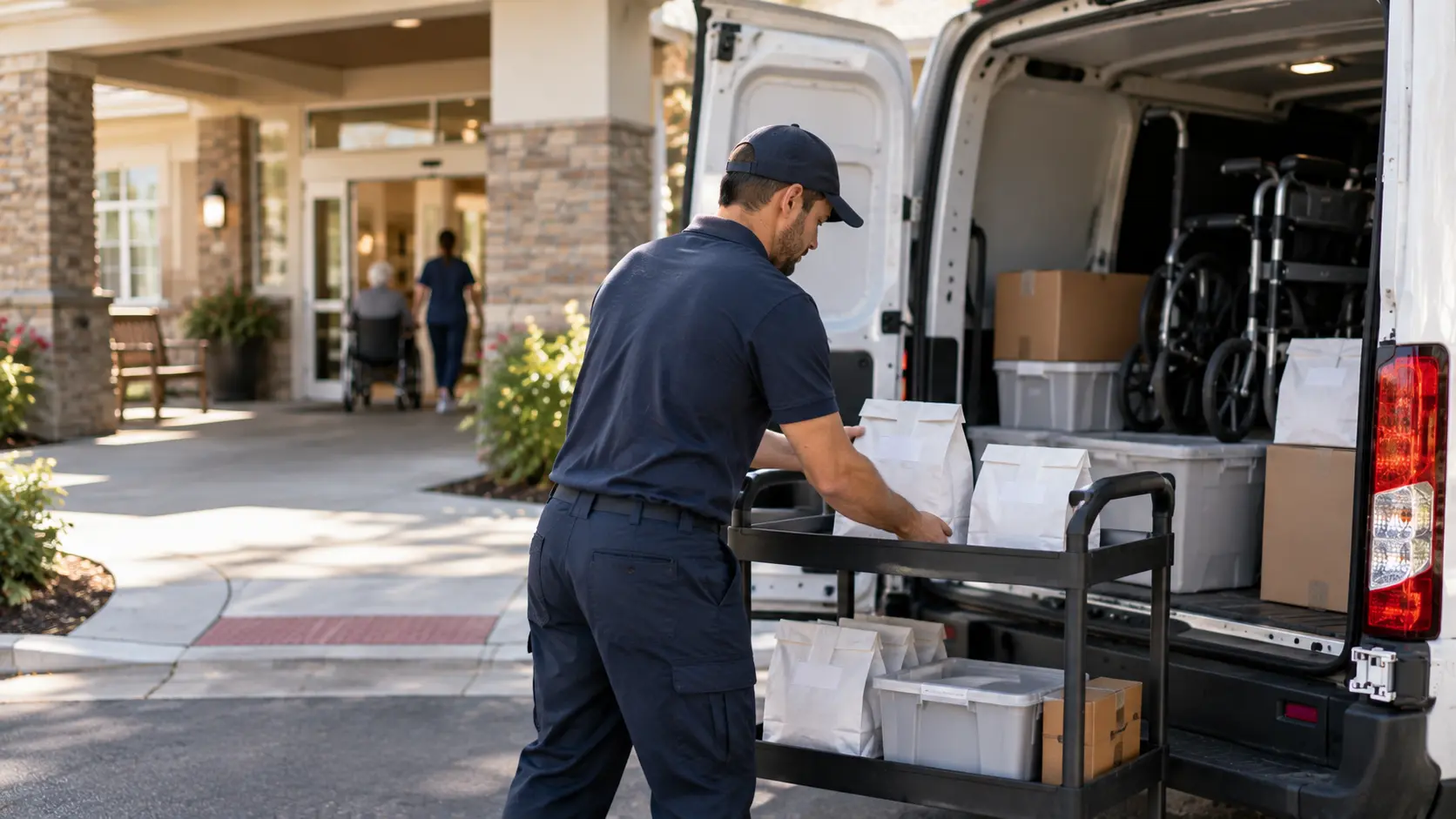
Another example is a medical courier that serves multiple pharmacies and long-term care facilities and also handles DME delivery. While routes matter in such an organization, client segregation, repeat delivery groups, documentation, and invoicing can make the difference between having or not having a working system.
Such a workflow may require:
- Separate visibility and access rights for pharmacy clients.
- Repeat LTC deliveries to be grouped or batched.
- Various types and instructions for delivery in one dispatch process.
- Assignment of drivers as well as delivery exception documentation.
- Exportable documentation of deliveries required by other processes.
- Invoicing and driver payment processes when those are part of the process.
Rx4Route specializes in medical courier management systems and DME delivery management, specifically dispatch, order synchronization, documentation, and invoicing workflows. The above examples illustrate the reason for having a specialized system instead of just route sequencing.
| Delivery model | Operational priority | Critical features | Suitable starting category | Most revealing demo |
|---|---|---|---|---|
| Independent pharmacy | Simplicity and order accuracy | PMS connection, routing, driver app, POD | Basic routing or pharmacy-focused platform | Complete a standard delivery from PMS to POD |
| Pharmacy network | Consistent oversight across locations | Centralized visibility, permissions, reporting | Multi-location pharmacy platform | Operate two locations with distinct users |
| LTC delivery operation | Repeated and grouped deliveries | Batching, recurring workflows, exception tracking | Pharmacy-focused platform with LTC support | Process a scheduled batch with one exception |
| DME delivery operation | Documentation and billing handoff | POD records, order status, exports, billing support | Delivery platform with DME workflow support | Complete a documented delivery and inspect billing data |
| Medical courier business | Multiple clients and drivers | Dispatch, client-level controls, records, invoicing | Medical courier management platform | Process orders for more than one pharmacy client |
Common Mistakes When Selecting Routing Software
Quick Answer: The most expensive selection mistakes usually stem from an incomplete definition of success. Selecting the shortest route, buying without ensuring it will integrate, or neglecting the driver's real work process can leave critical issues unresolved. Consider delivery success, order accuracy, recordkeeping, and exception management as one evaluation.
It can take time for a purchasing mistake to become obvious. An integration that works for usual orders can fail for new ones, and a driver app might seem obvious in a meeting but still hinder the process of stopping. It is also important to ensure that success is clearly recorded while failures are difficult to analyze.
The solution is to pair each benefit with a test and a responsible person. If the feature is crucial, it must be easy to tell whether the function worked properly. There are three mistakes to be careful about.
Choosing the Shortest Route Over Successful Deliveries
A shorter distance can help, but the shortest-distance solution is not necessarily the best service strategy. The driver might need to visit the patient within the scheduled time period, have enough time to visit a building, or go back to an address for an unscheduled visit. A routing system that ignores these factors may look efficient on paper but cause issues later.
Look out for these errors:
- Treating each and every stop as though it required the same amount of time.
- Not considering the delivery windows or access instructions to the addresses.
- Thinking that all orders from the same address require the same delivery terms.
- Overloading the driver and leaving unused capacity on the way.
- Planning the route based only on the distance and not on the completion of stops.
Consider that Route A is shorter, but the driver needs to make a stop before the person becomes available. Route B is longer but takes into account the delivery window. In this case, if Route A requires another visit, then the mileage will not be the only factor here.
Buying Before Confirming Integration and POD
An integrated system can look all-encompassing yet still demand that staff members manually cut and paste data from the PMS. Another shortcoming is a completion status report that lacks the records needed for a specific pharmacy or payer process flow. Both issues become significant after implementation since correcting records takes up valuable time.
Don't make these mistakes:
- Believing that integration means everything without checking if your PMS supports it.
- Thinking that two-way synchronization is going to encompass all events and fields.
- Not testing cancellations, changes in orders, and duplicates.
- Relying on the delivery status stamp alone to prove delivery.
- Finding out that you cannot export some critical records after you buy the platform.
The right way to do acceptance testing starts with a real process requirement: place an order, sync the permitted information, send it off, document the delivery result, and get the result back. Of course, an error case is necessary too.
Ignoring Drivers, Patients, and Delivery Exceptions
Route planning solutions ought to make delivery easy for everyone, including the individual who plans routes. Before settling on a route-planning system, see how it handles routine and unforeseen challenges.
Think about what the various parties require:
- Drivers: Specific details about the parcel, delivery instructions, and an easy way to complete delivery.
- Pharmacy employees: Current order status without calling the drivers.
- Patients: Timely, clear delivery notifications, while ensuring privacy.
- Dispatchers: Features to help them deal with canceled orders, special requests, failed deliveries, and even changes of route.
- Administrators: Access to delivery logs and details on failed deliveries.
At a software demonstration, involve a driver and a dispatcher to run the same route. Ask them to perform a routine delivery and manage the surprise, which could be a wrong address or a failed delivery. Their input will show you hidden difficulties that are not evident in the dashboard.
A good pharmacy delivery tracking solution should help your team resolve delivery issues rather than just show driver locations.
Expert Tips for a Better Software Decision
Quick Answer: The best way to assess a delivery platform is to evaluate an order from source to successful completion using measurable acceptance criteria, involve drivers and dispatchers in the pilot, and have vendors explain how they handle exceptions. The most decisive selection process is based on operational proof of performance and vendor responsibilities.
The greatest value of pharmacy delivery know-how comes into play when it influences a buyer's tests. A well-documented workflow tells us very little about whether the order was routed properly, whether any destination change was made within the PMS, or whether the pharmacy is able to obtain any information about the delivery in question. Examining these factors will help us distinguish essential functions from nice-to-haves.
The Rx4Route workflow, which has been published by the company, takes an operational point of view and represents the workflow of a medication delivery system. The company's founder, Erkin Sattarov, was previously a delivery driver, and the company claims the software was created with many drivers' opinions in mind. This explains why the driver experience matters here.
Evaluate the Complete Five-Step Delivery Workflow
It would be efficient to assess the software against the five operational stages Rx4Route proposes. Together, these stages show how route planning interacts with processes before and after a driver's journey.
- Order creation and labeling. Ensure that the right delivery information and package identification have been included in the process flow.
- Routing and optimization. Test the tasks of assignment, sequencing, and time/workload requirements.
- Packages sorting. Check whether employees can identify the package by its route.
- Route management. Consider the availability of location visibility, updates, driver instructions, and modifications during active delivery.
- Delivery completion. Verify signatures, photos if required, statuses, and information available to the pharmacy.
Rx4Route's development history shows problems with lost delivery slips, complicated addresses, and poor routes. These problems make a good checklist even for assessing other software.
Use a Realistic Pilot and Measurable Criteria
The controlled pilot will be more instructive if success criteria have been determined upfront. Choose an appropriate sample of routes, capture the current baseline, and try out similar orders, constraints, and exceptions in the new system. Keep patient data secure in testing, using appropriately de-identified data or fabricated data.
Measure criteria such as:
- Time taken for route planning: the amount of time, in minutes, to create assignments.
- Completed-stops ratio: completed stops divided by planned stops as per some pre-established measurement criteria.
- On-time performance: completed deliveries meeting expected delivery times, with consistent denominators.
- Exception ratio: stops that required re-scheduling, correction, or an attempt.
- Record completeness: completed deliveries that include all necessary documentation fields.
- Manually reconciled orders: orders that required manually correcting discrepancies between the two systems.
If documentation errors are the most critical issue, then record completeness will be more important than minor shifts in mileage estimates. If delays are the major problem, then measure actual completion and constraint-handling, not just delivery time estimates.
Ask Questions That Reveal Operational Limitations
The vendors usually describe how a product works by default. More helpful questions will help to see the limitations and conditions under which a certain feature works.
Questions:
- What version of our PMS is supported, and are order fields synchronized?
- How are changes, cancellations, duplications, and synchronization failures managed?
- Are there any options to edit active routes without breaking instructions for drivers?
- What will happen to unfinished deliveries if a driver has no connectivity?
- Which delivery data can be exported, and in what format?
- How are users' rights and patients' data controlled between branches/clients?
- What kind of support is provided during installation and active deliveries?
- What kind of fees change with increasing number of deliveries/drivers/locations?
Responses in writing would help procurement, operations, and IT people to assess terms on an equal basis. When a vendor will handle PHI as a business associate, HHS has provided a set of provisions in the business associate agreement for clarification.
Statistics That Inform Software Selection
Quick Answer: Market statistics reveal the magnitude and variation of pharmacy activity, whereas software provider statistics highlight the vendor’s reported geographical footprint. Neither one is a replacement for testing the delivery routes on your own. Contextualize dated, properly cited industry statistics, take company claims at face value, and make decisions using pharmacy-based delivery metrics.
Numeric statements may help customers ask better questions, but they must reflect the right metric. Prescription numbers cannot be equated to delivery numbers. The vendor's daily delivery volume does not determine how much time one pharmacy will save. Similarly, a percentage related to timely performance is tough to understand without knowing the time period, samples, and methodology.
Read all statistics while keeping three things in mind: Who provided the statistics? What was being measured? How will it impact this software choice? These differences help distinguish the general market from platform specifics.
Pharmacy Market Context From the 2025 NCPA Digest
This year’s National Community Pharmacists Association 2025 Digest provides useful information on independent pharmacies in the United States.
According to this report, there are 18,960 independent community pharmacy locations as of July 2025. According to the same report, 67,601 prescriptions were delivered per store in 2024. Also, 55% of the pharmacies that responded provided services for long-term care patients. Independent pharmacies represent 36% of all retail pharmacies in the USA.
However, this data should not be used to determine how many deliveries a single pharmacy makes daily or what income that route generates. Such things as its own delivery statistics, routine deliveries, drivers' schedules, and available hours must be analyzed instead.
Evaluate Company-Reported Scale and Performance Claims
According to the website for Rx4Route, the software is used in over 1,500 pharmacies and handles more than 70,000 deliveries per day. This is data provided by the company without any specific measurement timeframe and/or calculation formula available on the cited page.
Usage experience in different scenarios does not make scale proof of implementation results for a specific buyer. Prior to taking vendor's performance figures into account, one should consider the following questions:
- Is the figure up-to-date, and during which time period was it measured?
- How are deliveries measured – as orders, packages, attempts, or completed stops?
- Is the on-time percentage calculated using all orders or completed deliveries only?
- Are the results due to software or/and operational performance?
- Does the use case look similar to the pharmacy's delivery approach?
Measure Delivery KPIs Before Choosing Software
The pharmacy could create even better comparisons by using a few metrics based on their own experience. Define each metric clearly before the pilot program; identify the source of truth, and keep the time frame consistent. Include even those instances where success is not achieved to ensure that reporting will not skew performance results.
| Statistic or KPI | Source | Measurement period | Why it matters | Important limitation |
|---|---|---|---|---|
| 18,960 independent community pharmacy locations | NCPA 2025 Digest | July 2025 | U.S. independent pharmacy context | Not a delivery count |
| 67,601 average prescriptions per independent pharmacy | NCPA 2025 Digest | 2024 | Context for pharmacy operating scale | Not prescriptions delivered |
| 55% offered services for LTC patients | NCPA 2025 Digest respondents | Reported in 2025 Digest | Shows relevance of varied pharmacy services | Survey measure, not LTC delivery volume |
| More than 1,500 pharmacies served | Rx4Route website | Reporting period not specified | Vendor-reported adoption context | Not independently established customer outcomes |
| More than 70,000 daily deliveries | Rx4Route website | Reporting period not specified | Vendor-reported platform volume | Counting method not specified |
| On-time rate, exceptions, planning time, and POD completeness | Pharmacy's own operational records | Consistent baseline and pilot periods | Measures fit for the actual operation | Definitions and operating conditions must match |
Case Study: Evaluating a Pharmacy Delivery Rollout
Quick Answer: Is it clear from the above? This example shows the processes a pharmacy delivery system must follow from order receipt to delivery. The rollout assessment will need to follow these lines to test integration and documentation. The product workflow evidence may show what a system can do but not customer benefit.
We can develop an interesting operational example using the workflow Rx4Route makes public, without adding any fictional details about the customer pharmacy. The platform talks about the information flow from PMS integration to delivery dashboard, from optimized routes to drivers, from completed deliveries to proof-of-delivery documentation. The DME solution from the same company talks about invoicing as a step that follows in the same process.
The above-mentioned workflow demonstrates how the sequence of actions can be examined by a prospective buyer during a demonstration. This is not an experiment with a control group, and the results cannot be seen in any numbers.
Capture the Baseline and Operational Context
The first step in rolling out pharmacy deliveries is the interaction between an existing PMS, the pharmacy staff, and the delivery team. This means that order accuracy and successful order completion are particularly crucial. In the Rx4Route case study, the platform synchronizes data, labels support packaging identification, and staff develop and assign routes using the dashboard.
In order to assess this system, start by reviewing the baseline in the following categories:
- Order processing: Where the delivery information is coming from and how staff determine the correct packages.
- Route assignment: Who assigns the stops, time spent on route planning, and restrictions involved.
- Driver activities: How the driver receives the assignments and updates.
- Stop confirmation: What happens in case of a successful or unsuccessful stop.
- Administration: How staff access information and process exceptions or billing.
Document Implementation, Results, and Limitations
There are five operational steps in Rx4Route: order generation and labeling, route optimization planning, package sorting, active route management, and order completion with documentation like signatures or pictures. Order synchronization, dispatch, delivery verification, and billing are the DME process elements that are mentioned in the Rx4Route description.
These steps offer a straightforward way to evaluate the implementation process. Is order arrival consistent with expectations? Do physical shipments correspond to allocations? Is information on route changes available to the driver? Is order completion documentation available in the right system? If there is DME billing in the process, then find the connection between the corresponding delivery event and the invoicing.
The real proof is the proven fit of the process. Any statements about the decrease in travel or calls, increase in delivery speed, or documentation rate require the measurements for the before/after analysis during the same time period. Without such measurements, the conclusion remains narrower: this platform's design fits into multiple aspects of pharmacy delivery management, and the customer may confirm it during the pilot.
Conclusion: Choose Software for the Full Delivery Workflow
The most effective way of selecting route planning software for prescription deliveries is starting with an assessment of your pharmacy processes and using them as a basis for any comparisons. Assess the volume, timing, staffing, and documentation needs of your delivery process. Differentiate between mandatory functionalities and nice-to-have conveniences and then test the important features such as PMS integration, route planning, driver-friendly features, tracking, exception handling, and proof of delivery.
A stand-alone route planner may suffice when stop sequencing is the key issue and everything else in the process works effectively. However, when order synchronization, dispatch, delivery tracking, and documentation all work together, it is advisable to choose a dedicated pharmacy delivery solution. In either case, choose not only based on functionality but also on performance, support options, security measures, and overall operating cost.
Rx4Route offers pharmacy-specific features within a delivery management platform, including order delivery from PMS, as well as medical courier and DME deliveries. To understand if it meets your current PMS and business model, you can contact Rx4Route experts and ask them for a demo.
FAQ: Choosing Prescription Delivery Route Planning Software
What information should patients receive in delivery notifications?
The patient should get timely updates, such as the expected delivery window or delivery confirmation, without getting into too many drug details. While choosing pharmacy delivery tracking software, consider the notification templates, consent options, language settings, and failed-delivery notifications.
What should medical couriers look for when serving multiple pharmacies?
Medical couriers who work with several pharmacies should have individualized customer records, individualized dispatch assignments, and delivery documentation. Rx4Route has pharmacy delivery management software; request a demo based on orders of two different clients.
Can prescription delivery software help manage patient copays?
Possibly. It will depend on which type of software and payment functionality the software has. You should find out if it tracks how much was owed, how much was paid, and who paid it. Ask whether the report shows discrepancies and whether it matches your pharmacy's payment process.
Can pharmacy route planning software support DME deliveries?
It does not mean that all of the software programs provide the functionality of delivering DME. Rx4Route has this capability; however, you need to confirm whether it can connect proof of delivery to the equipment order.
How can a pharmacy determine whether a software pilot was successful?
Have success criteria established prior to the testing. See if the orders match up properly, the changes get through to the driver, the documents are in place, and the non-deliveries are accounted for. Make sure you use the same orders you would use for your deliveries now.
Can route planning software combine multiple prescriptions into one delivery stop?
Yes, if the software is able to group orders by address. This means that several prescriptions will be delivered at one delivery point, but the order number and confirmation of its delivery should remain separate. Check how it works in the case when there is only one package that could be delivered.
How should route planning software handle repeat delivery attempts?
The software should store the information about the previous delivery attempt and the cause of failure. Thus, the dispatching can schedule another delivery attempt based on the stored information. Check whether the driver receives updated information about delivery attempts.
What happens if a delivery driver loses internet access?
Test out the pharmacy delivery driver app when there is no internet connectivity. See what information about the route is accessible, whether they can mark their success or failure in offline mode, and see how the data syncs up later on.
Can one pharmacy delivery platform manage several locations?
Yes, but only if it offers location permissions and central management features. Rx4Route caters to multiple locations; however, it should be confirmed through a demonstration that staff will view deliveries made to their particular location only.
Can route planning software manage recurring prescription deliveries?
Find medication delivery software that can plan recurring deliveries, delivery days, and standing instructions without duplicating orders. For long-term care deliveries, see how well the software adjusts to changes to a group delivery due to a delay or cancellation of one prescription.
